Inicio


Valore este contenido
Pasos a seguir para la solicitud de Pago Electrónico
Una vez el usuario ha incorporado las bases de cotización, y pulsando el botón “Calcular”, el sistema efectúa el cálculo de las cuotas permitiendo acceder a los cálculos realizados, así como descargar el Documento de cálculo de la liquidación y un Borrador de la Relación Nominal de Trabajadores. Si el usuario está de acuerdo con el importe de la liquidación, pulsando el botón “Continuar” aparecerá la siguiente pantalla donde podrá seleccionar la Modalidad de Pago de pago electrónico:
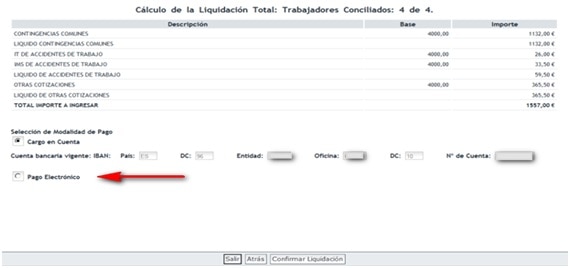
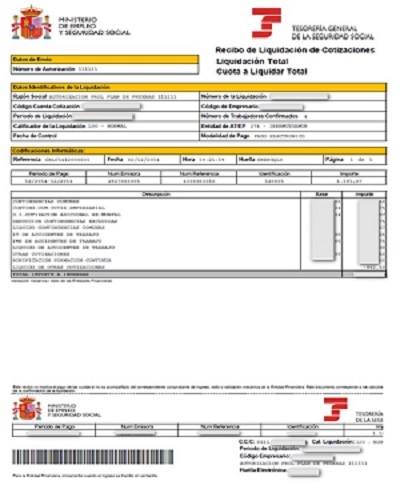
Seleccionando la opción de Pago Electrónico y pulsando Confirmar Liquidación, se podrá obtener el Recibo de liquidación de Cotizaciones en formato pdf para pagar en ventanilla, cajero automático, banca telefónica, etc.